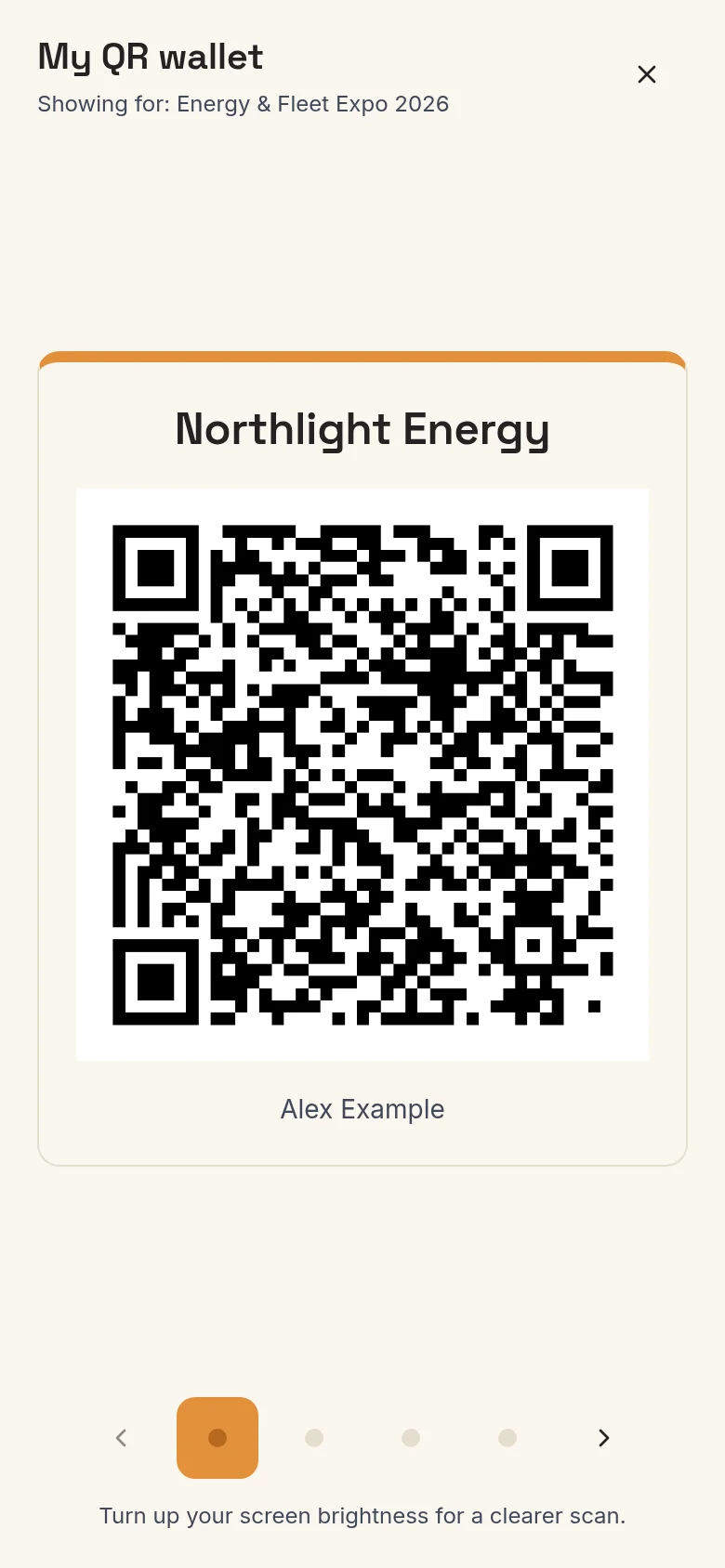
Brand cards and QR wallet
Your name stays yours. Your role, contact details and QR card can change with the business you represent.
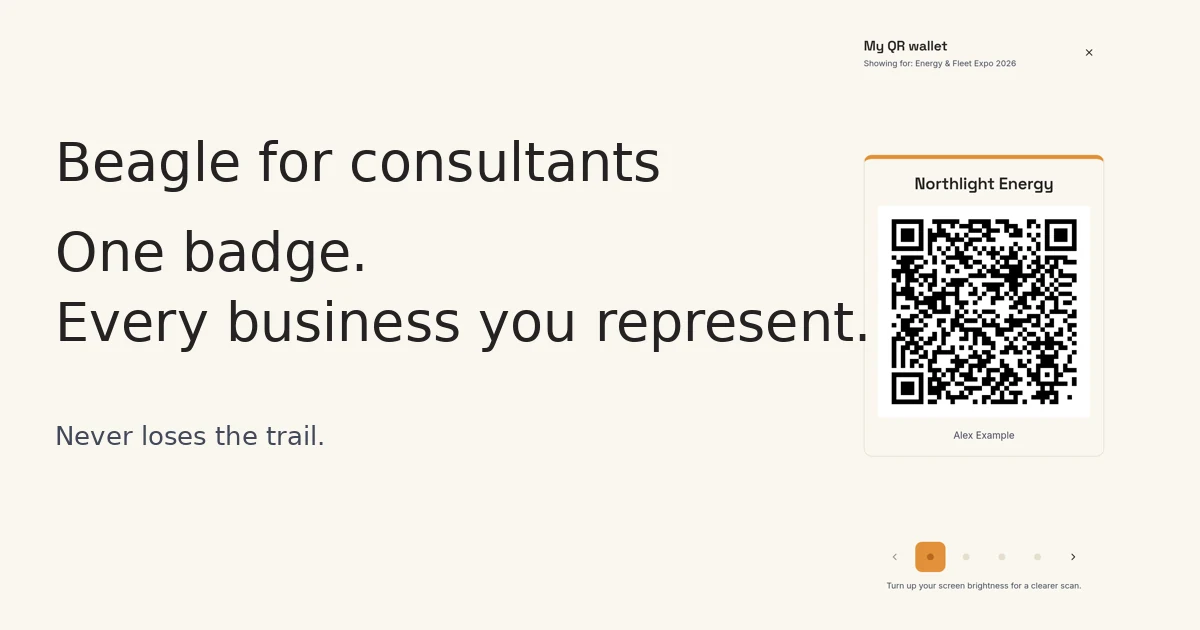
Beagle for consultants
For consultants, fractional executives and agencies walking the hall for several clients. Beagle keeps every business on its own trail.
Consultant mode is currently switched on by request. Ask for consultant mode
A fleet director mentions a charging project and a software problem. Both matter, but to different clients. Without separate filing, the useful detail ends up scattered across notes, cards and inboxes.
01
Add the business brief, card details and optional identity for each client.
02
Choose who you represent, a main brand and the goals for each.
03
Name the businesses in your note. Check or change the brand sections on the saved capture.
04
Choose a brand report and recipient. Keep the client’s next steps together.
Your name stays yours. Your role, contact details and QR card can change with the business you represent.
Capture a conversation once. Mika separates named brands into opportunities, with next steps filed against each.
Distinguish who you met, what a teammate covered and which targets are still not reached.
Switch the business brief to find relevant exhibitors. Recommendations need a linked show catalogue.
Share a brand-specific link, or let someone choose the business they want to meet about.
Download brand goals, targets, opportunities, contacts and next steps as a Beagle PDF prepared for that client.
Draft with the right business context, reply-to address and signature. Review before sending from Beagle.
Split your entered personal costs and export opportunities by brand, ready for a spreadsheet or CRM.
A fictional Energy & Fleet Expo, with Northlight Energy, Fieldwise Software and Alex Example.
1 / 8